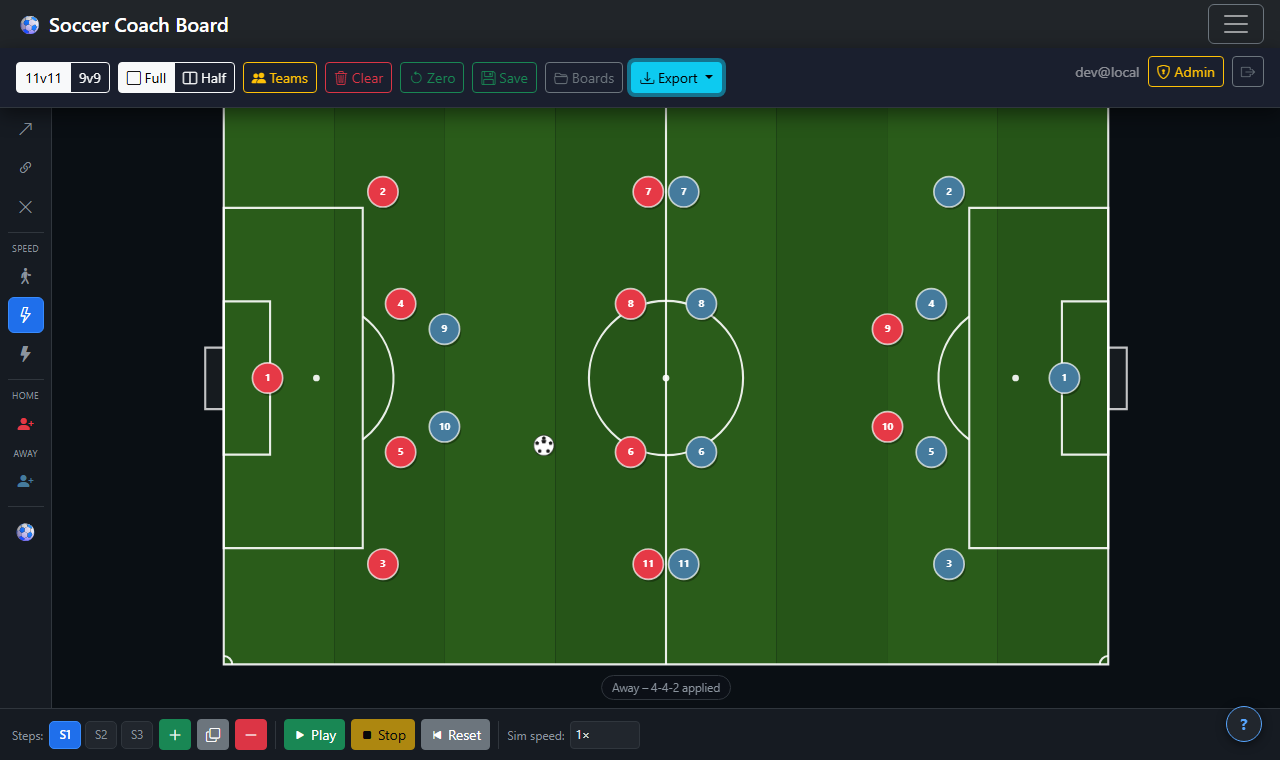
From quick whiteboard sketches to fully animated multi-step play sequences.
🟢
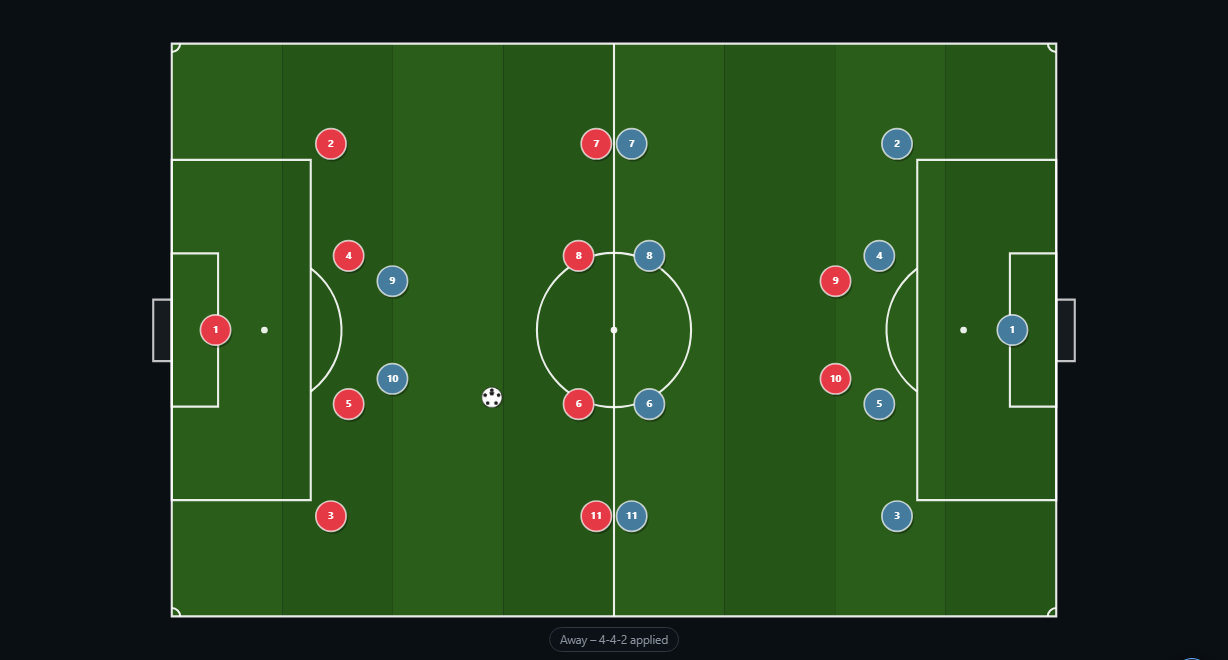
Realistic Field Canvas
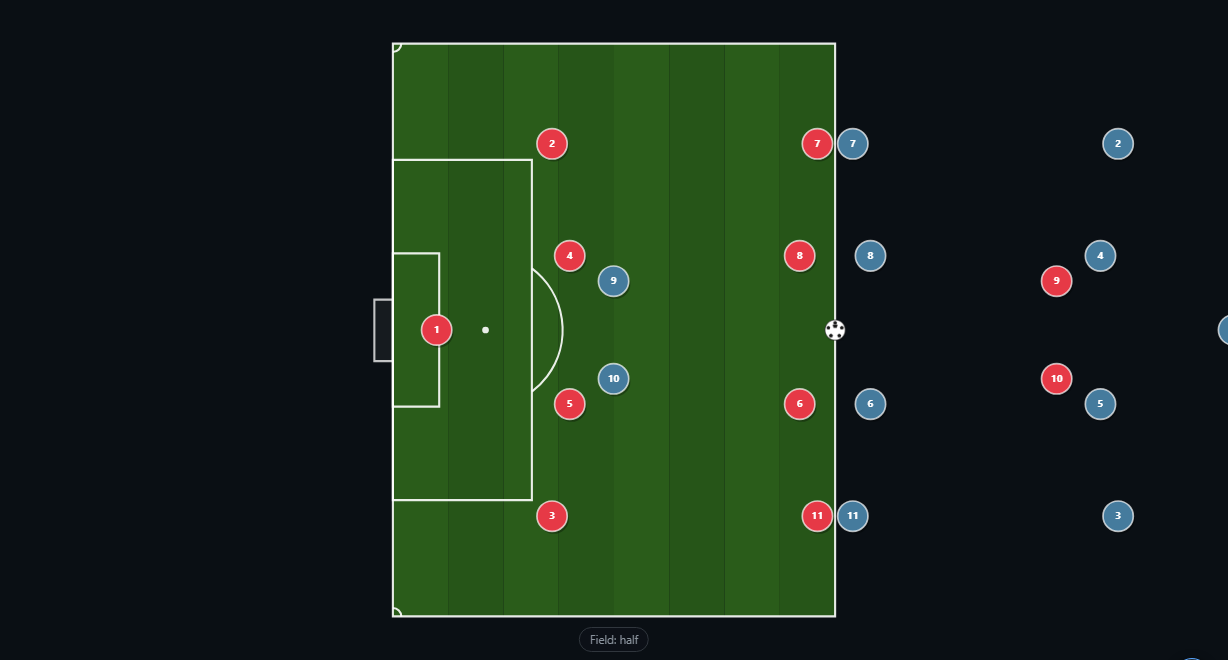
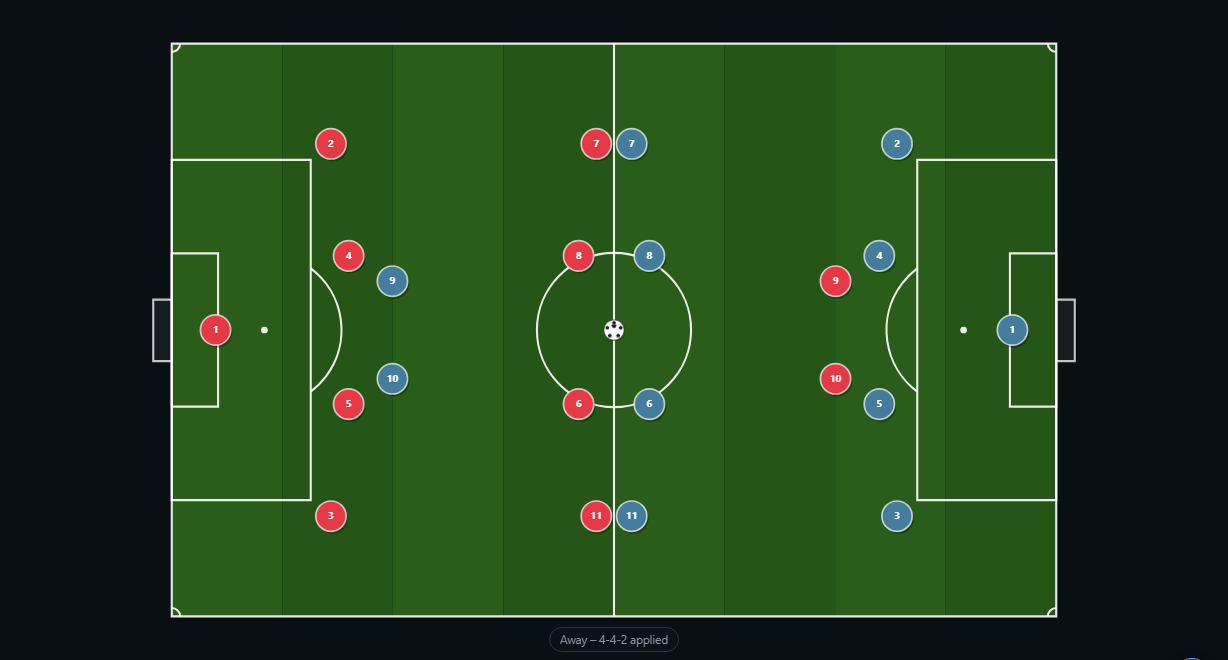
Full or half-field with proper markings — turf, penalty areas, centre circle, goals, and more.
🔵
Players & Ball
Drag-and-drop players for both teams. Snap the ball to a player to show possession.
➡️
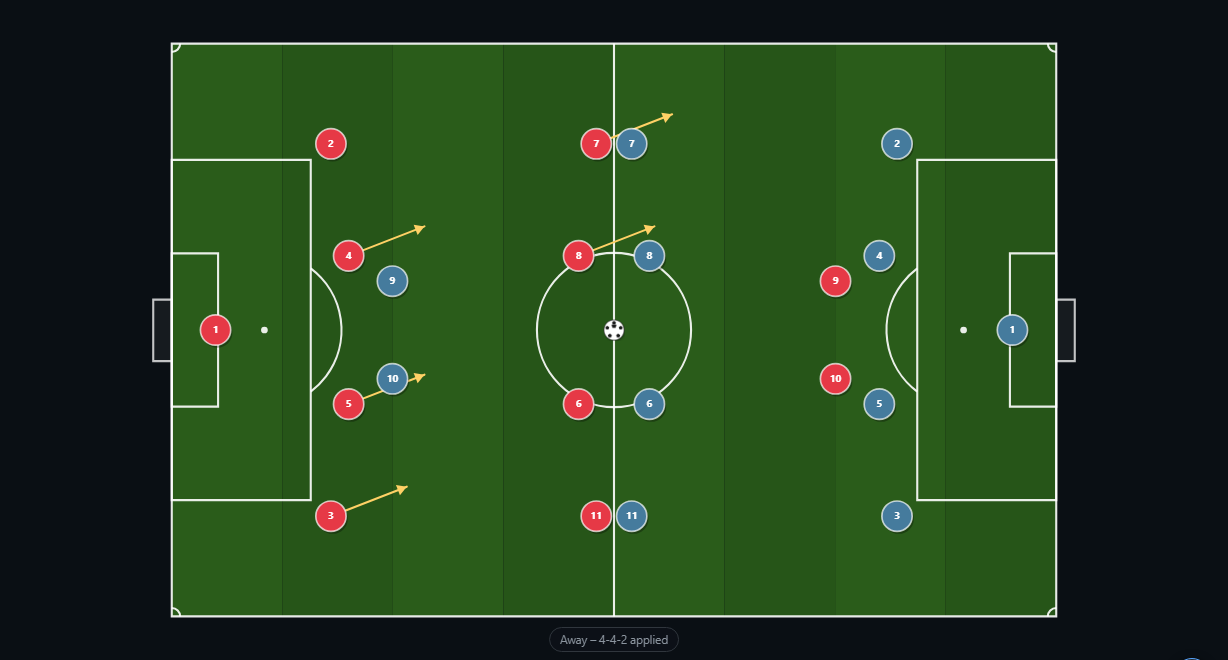
Movement Arrows
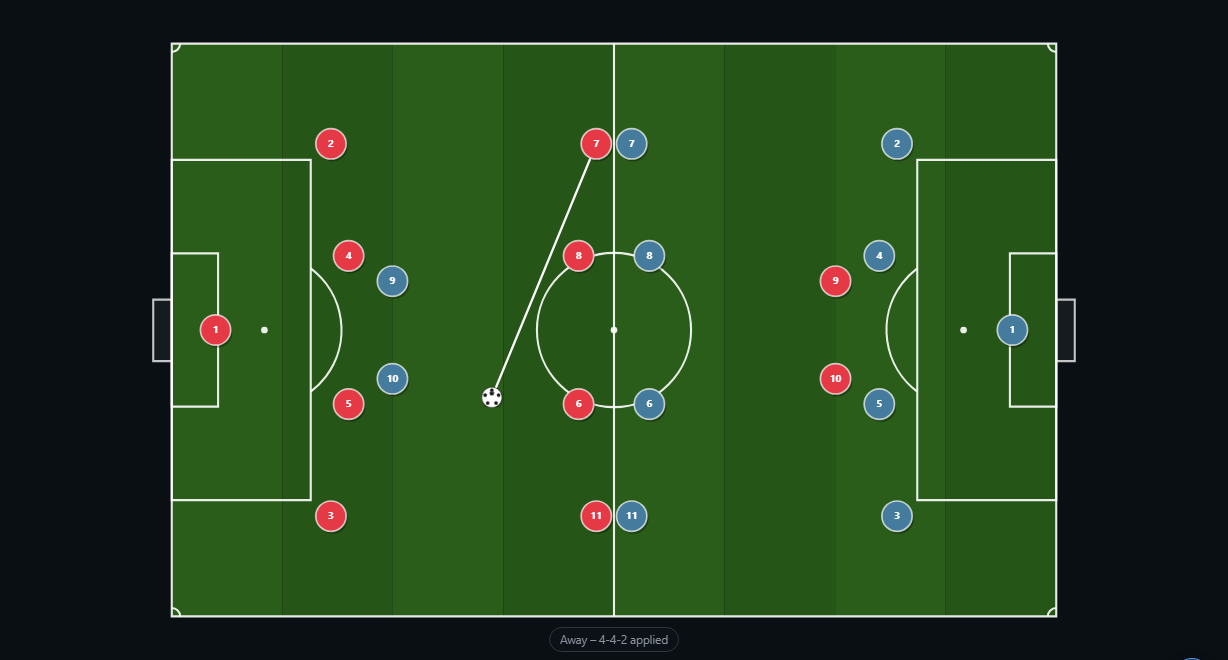
Draw straight or curved arrows from players (and the ball) to show runs, passes, and movement.
🔗
Connection Lines
Dotted lines anchored between players to show shape, spacing, and defensive organisation.
🎬
Multi-Step Simulation
Build plays across multiple steps and press Play to watch the animation. Adjust each player's speed individually.
📐
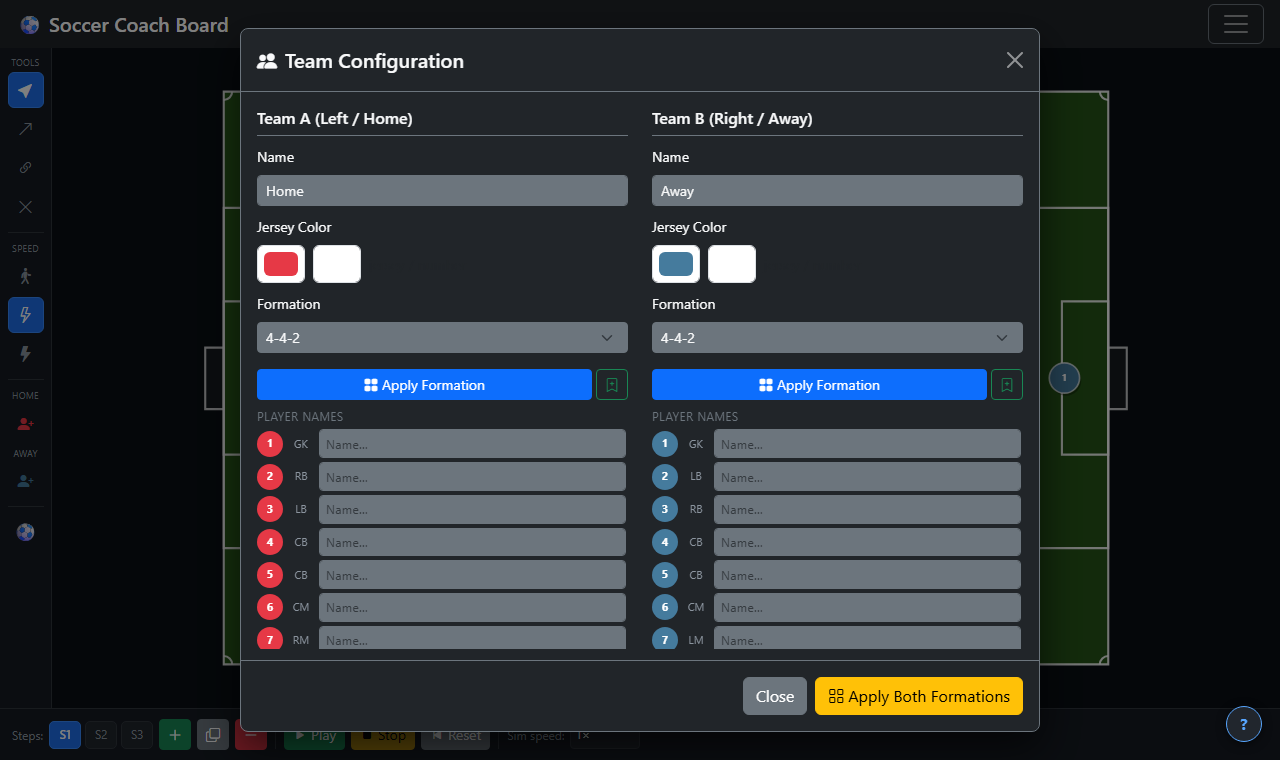
Built-in & Custom Formations
Choose from 4-4-2, 4-3-3, 3-5-2 and more — or save your own custom formations to reuse anytime.
💾
Save & Load Boards
Save your entire board to the cloud. Load it back on any device. Boards are private to your account.
📤
Export PNG & Video
Download a high-resolution snapshot or record a WebM animation video to share with your team.
📱
Mobile & Tablet Friendly
Touch-optimised interface works great on phones and tablets as well as desktop browsers.